




















































Secure Migration From Magento To Woocommerce
Your store has grown. Your ecommerce platform should make it easier to move forward — not harder. Move from Magento to WooCommerce with your products, customers, functionality, integrations, and SEO carefully planned for the transition.
Is Your Magento Store Becoming Too Expensive to Maintain?
Magento can handle complex ecommerce operations. But depending on your setup, the ongoing combination of infrastructure, extensions, specialized development, and maintenance can create more overhead than your business wants to carry.
Maintenance Takes More Technical Effort
Updates, infrastructure, extensions, and custom functionality can require specialized knowledge and careful coordination.
Risk: More technical work behind everyday store changes.
Your Extension Stack Keeps Growing
Risk: More dependencies to maintain and troubleshoot.
Simple Changes Can Become Development Work
Risk: Slower changes and greater reliance on developers.
Your Infrastructure May Be More Complex Than You Need
Risk: More infrastructure to manage and maintain..
Your Business Has to Work Around the Platform
Risk: Technical overhead gets in the way of business priorities.
“ If Magento is becoming harder to maintain, migration may be the opportunity to simplify the foundation—not rebuild your business from scratch. ”
How we move you across, without a dead day of sales
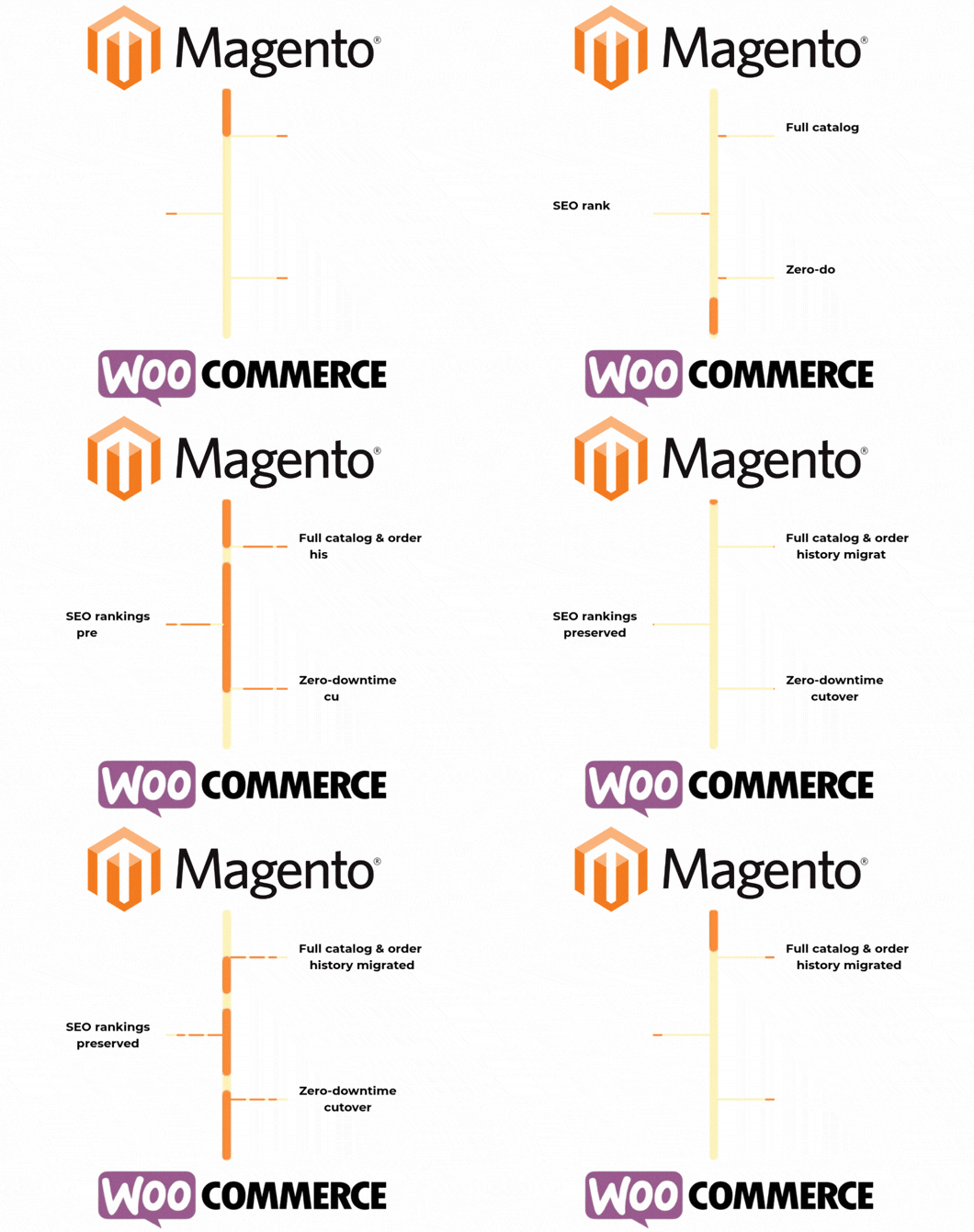
The store stays live and unchanged while we build the new one alongside it. Nothing goes public until it’s already been tested against your real catalog and orders.
01. Audit
02. Migrate
03. Rebuild
The storefront can be rebuilt to match your current design exactly, or refreshed with a modern layout if you’d rather not carry the old one forward. Either way, custom Magento features get a WooCommerce equivalent.
04. Launch
What actually changes after the move
Not a sales pitch — this is the operational difference stores feel in the first quarter after migrating.
What’s included in the migration
Full data migration
Products, variants, categories, customer accounts, order history, and reviews — mapped and verified, not bulk-dumped.
SEO-safe redirects
Every old URL mapped to its new one, meta titles and descriptions carried across to keep your rankings intact.
Theme rebuild
Extension parity
Staged QA
The new store is tested against your real catalog and checkout flows on staging before it ever goes live.
Zero-downtime cutover
Launch scheduled for your lowest-traffic window, with a rollback plan in place if anything needs it.
Ready to Move Beyond Magento?
Seerox helps you move from Magento to WooCommerce with a migration plan built around your store—not a one-size-fits-all import.
Free consultation. No obligation. 100% secure & confidential
Frequently Asked Questions
Will my products, customers, and orders be migrated?
Yes. The required data is mapped and migrated according to your store’s structure and project requirements.
Will my existing Magento extensions work on WooCommerce?
Magento extensions cannot simply be transferred. We review their functionality and determine whether it should be replaced, configured, or custom-built in WooCommerce.
Will I lose my SEO rankings?
A migration can affect SEO if URLs and redirects aren’t handled properly. We identify important URLs and plan redirects as part of the migration, and carry over meta titles and descriptions so indexed pages don’t lose their existing signals.
What if something needs to be rolled back after launch?
Your original Magento store stays untouched and fully functional throughout the project — we don’t take it down until you’re confident in the new one. If anything comes up after cutover, that gives us a safety net to fall back on while it’s fixed.
Will my Magento store need to go offline?
Related Case Studies
No matching case studies found.
